Your first days in The Witch's Bakery
Start with a full-game save on Default Public Version. Update to v1.3 for Ghaldari on in-game June 18, Sadness dialogue locks, zero-energy dives and other named quest failures; then follow the daily bakery routine.
Full-release checks before another day
Use the Default Public Version and a full-game save. The old demo save is incompatible with the release story; v1.3 adds a warning popup, not a conversion of that file. If you already started a full-release save, a single blocked objective is not a reason to discard it.
| Where you are blocked | Current action / condition |
|---|---|
| Ghaldari's door on June 18 in the game calendar | v1.3 restores the door in the affected quest case; update before searching for another entrance |
| Sadness Heart Palace conversation stops | v1.3 fixes colliders that could lock a dialogue; distinguish this from Lunne explicitly asking for more information about Estelle |
| A Heart Dive locks at zero energy | Update to v1.3 before repeating the affected dive |
| Bassin de la Villette restaurant after the red twinkle enters | v1.3 fixes that locked-restaurant situation |
| Best's quest after initially declining interest in his work | The affected quest case is fixed in v1.3; revisit the current objective |
| A Chapter 5 bakery scene fails and Judith's story seems inconsistent | v1.3 fixes that scene trigger |
| The third dialogue option will not respond to a mouse click | v1.3 fixes that input problem |
Read the phone and quest notes before travelling. June 18 is an in-game day, not the real-world patch date. These fixes repair particular interactions; they do not make every closed door or Sadness barrier a bug. Current patch details.
Your first day
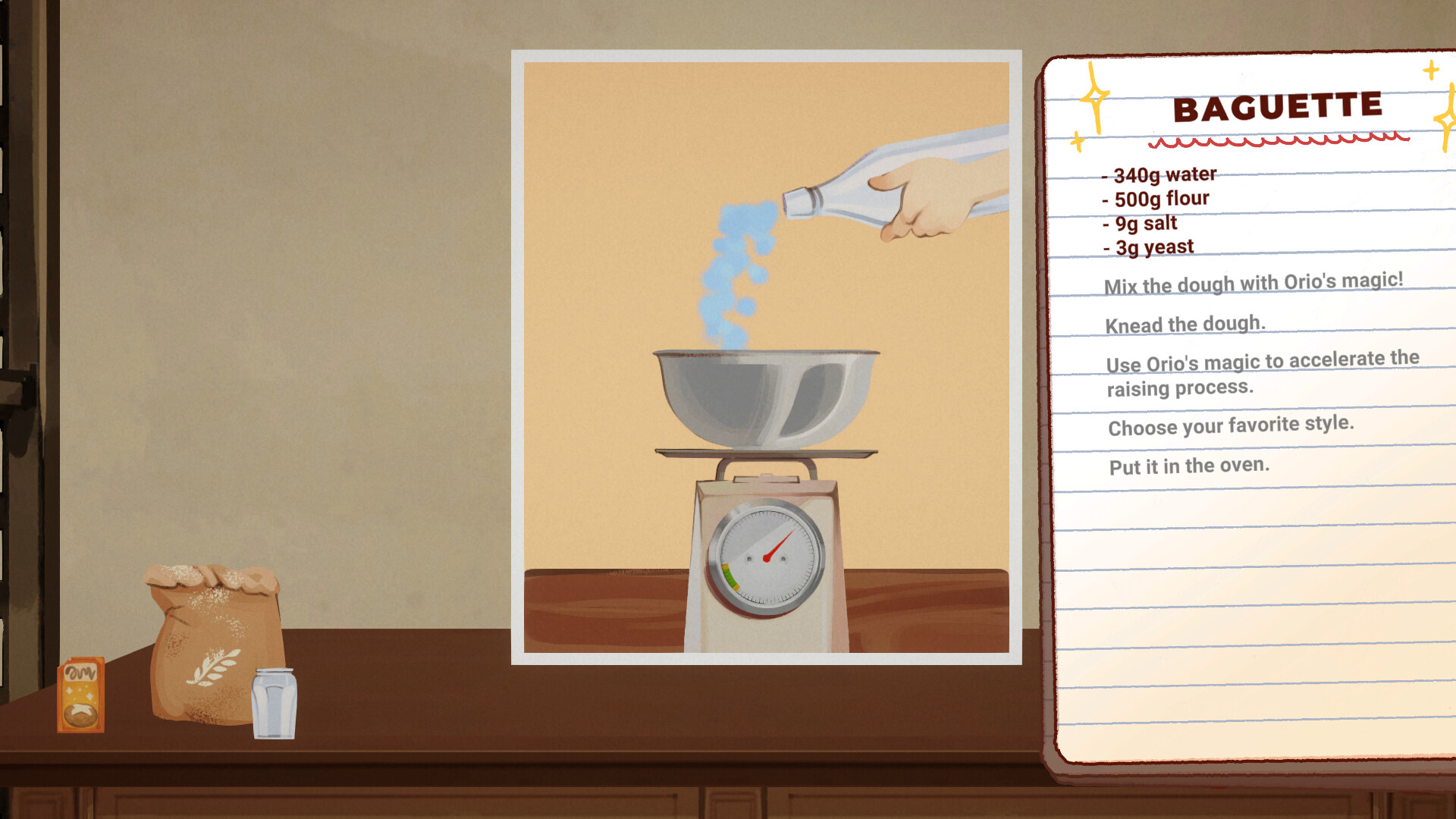
Follow Lunne and Orio into the bakery, finish the arrival conversation, and use the workstation for the baking tutorial. Prepare dough and serve the requested bread. Decorating and collecting recipes can wait.
Follow arrival tutorial → bakery service → neighborhood conversations → evening choice → night at home. Later workdays repeat this rhythm. Let new customers and messages guide your next trip; every shop need not be finished on your first outing.
| Checkpoint | What to do | What you are looking for |
|---|---|---|
| Bakery opens | Make dough, then read each customer's order | Bread requests and available stock |
| A troubled customer arrives | Follow the emotion interaction when prompted | A short healing sequence or a Heart Palace |
| Work finishes | Check messages and nearby conversations | New destinations, invitations, or appointments |
| Before an evening activity | Browse shops and decide where to spend your activity | One deliberate outing |
| Back home | Use the atelier or another available night option | Recipe practice, then rest |
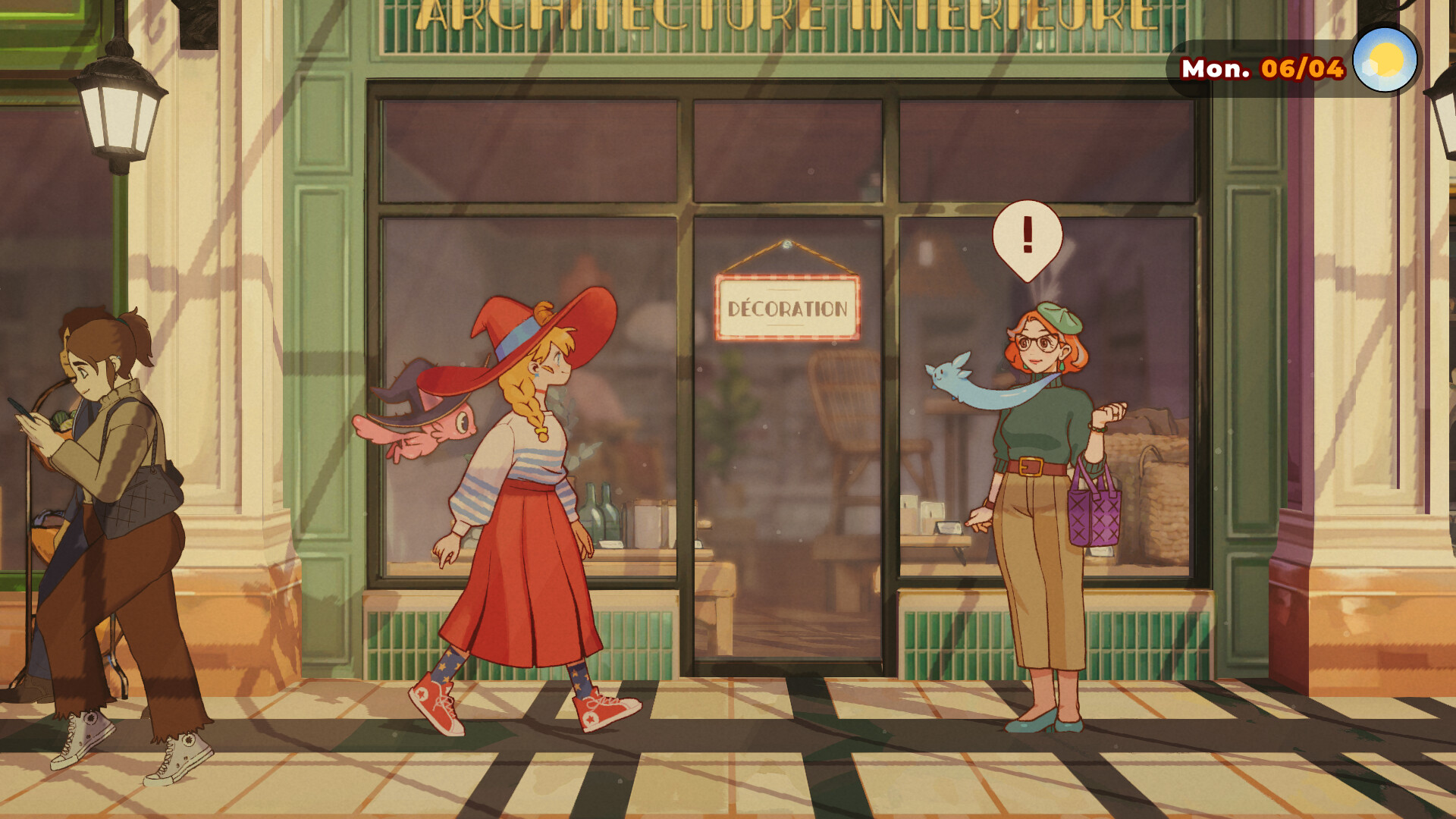
The decoration shop is part of the neighborhood, but decorating can wait. Early earnings also need to cover the activities and books you choose.
Keep service moving
Watch the dough supply as well as the bread on display. Orio's baking depends on the dough you provide; a counter full of finished items does not mean the next batch is ready. Top up the relevant dough before the display is exhausted, preferably during a gap between orders.
The carrying tray has three slots in the shown PC layout. On your first shift, one order at a time is easier to follow than a mixed tray. Read the request, collect the matching bread, and return to the customer. For a request containing several items, check the whole order rather than assuming every customer wants a single pastry.
Clear a wrong pickup using the on-screen inventory prompt. Official PC screenshots show C; follow your own prompt if controls differ. You do not need to restart the day.
Daytime dough production and night-time recipe practice are separate activities. The service workstation keeps the shop supplied. The atelier gives you the longer, step-by-step baking sequence. See the bakery and atelier guide if you are trying to improve a recipe rather than refill stock.
First healing moments
Some customers need a short emotion dive; others lead into a larger Heart Palace. Follow their dialogue when the ability is introduced to learn how healing fits into service.
A bread order and an emotion interaction belong to the same customer encounter, but they are different instructions. Read the active prompt after returning from a dive so that you finish serving the customer instead of heading straight back to the workstation.
Follow the visible bread request and active dialogue prompt. A question mark above a person does not identify which bread to carry.
Mrs. Tessier is an early acquaintance. Keep talking to neighborhood characters as the story opens up; their conversations give context to the healing scenes.
Explore before choosing
Once work ends, you can walk through the available streets, browse shops, and choose an activity. In the demo's after-work tutorial, activities use time and you can take part in only one per day. Shopping is distinguished from that activity limit.
Browse first if you still need to compare books or decorations. Then choose the cinema, restaurant, or another available outing. An invitation can make an outing a character moment as well as an activity. Choose someone you want to spend time with rather than expecting a demonstrated romance result from a single invitation.
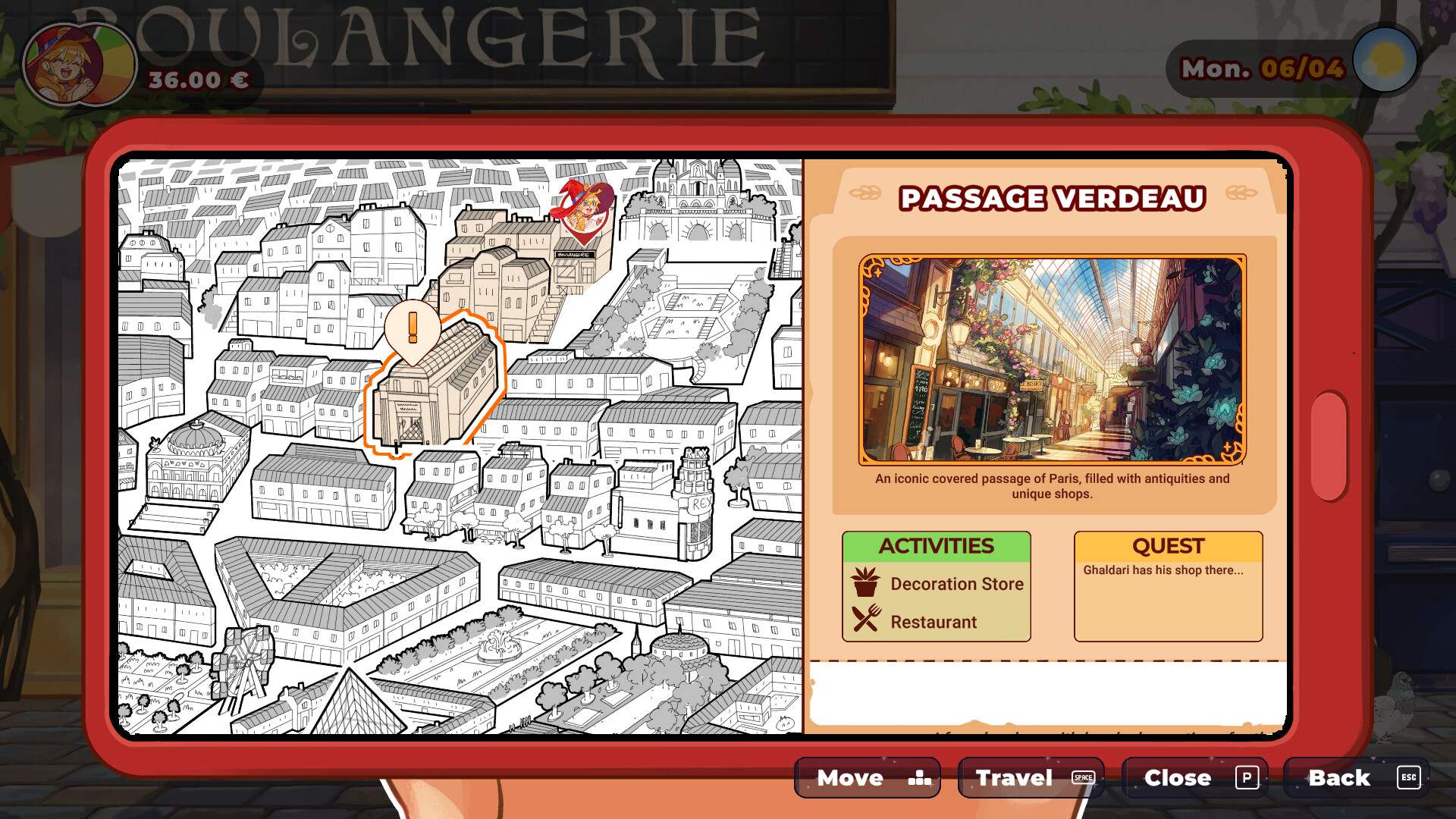
For travel, the official PC map screen shows a phone interface with destination descriptions, activities, and quest notes. P is displayed as the close-phone binding and Space as travel on that screen. Follow the actual prompts in your build. The daily schedule and map guide explains what to check before ending the evening.
Estelle's Heart Palace
Spoilers for the demo's later introduction follow.
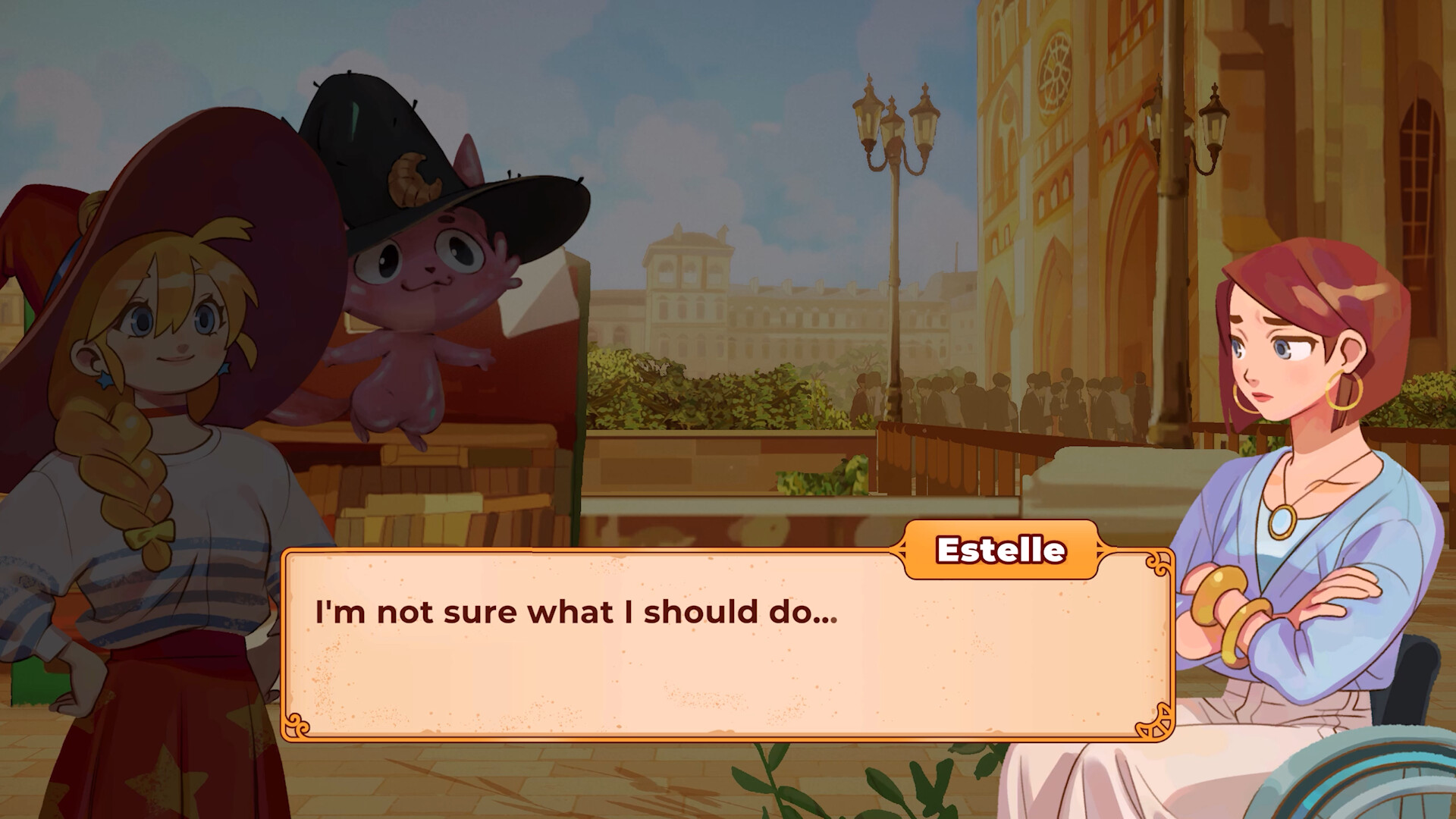
Estelle's bakery encounter introduces a larger Sadness Heart Palace. You meet the personified emotion, work through thought-block puzzles, and descend through several memories. This section is longer than the ordinary customer dives.
The encounter deliberately stops at a barrier. Lunne says she needs to learn more about Estelle before she can open it. Leaving at this point is the intended story step. It does not mean your earlier puzzle solution was wrong, and repeatedly moving the last set of blocks cannot replace the missing story information.
After you return to the bakery scene, continue the conversation and accept the business-card introduction. The demo then shows Lunne leaving a message about accounting help. Check the phone for Estelle's reply rather than waiting for the barrier to open while you remain inside the Palace.
If the journal is quiet during the introductory encounter, finish its dialogue and dive, then check the phone. If a conversation actually locks or a dive becomes stuck at zero energy, use the v1.3 checks above rather than repeatedly rearranging the blocks.
Our Sadness Heart Palace guide separates the movable-block puzzles from this story barrier.
Where the demo stops
The recorded introduction continues through more workdays and an unlocked park outing. Sunday is a day off in that playthrough. An Estelle message schedules the next meeting, but the demo closes before that continuation plays out.
If you reach the ending card or quiz after the first week's scenes, you have reached the available demo endpoint. It is not an instruction to grind recipe stars or search for a hidden doorway. Do not treat footage of this ending as proof that the full game's Estelle quest also stops there.
The publisher places Estelle's first full-game meeting in Chapter 2 and confirms her as the possible Valentine. The demo does not establish full-game chapter order or romance choices; see the release and romance FAQ.
Opening-route examples in the February demo recording: service at 9:29, the activity tutorial at 40:39, Estelle's barrier at 1:06:47, and the demo ending at 1:29:26. The publisher FAQ supplies the full-game chapter and romance information.